
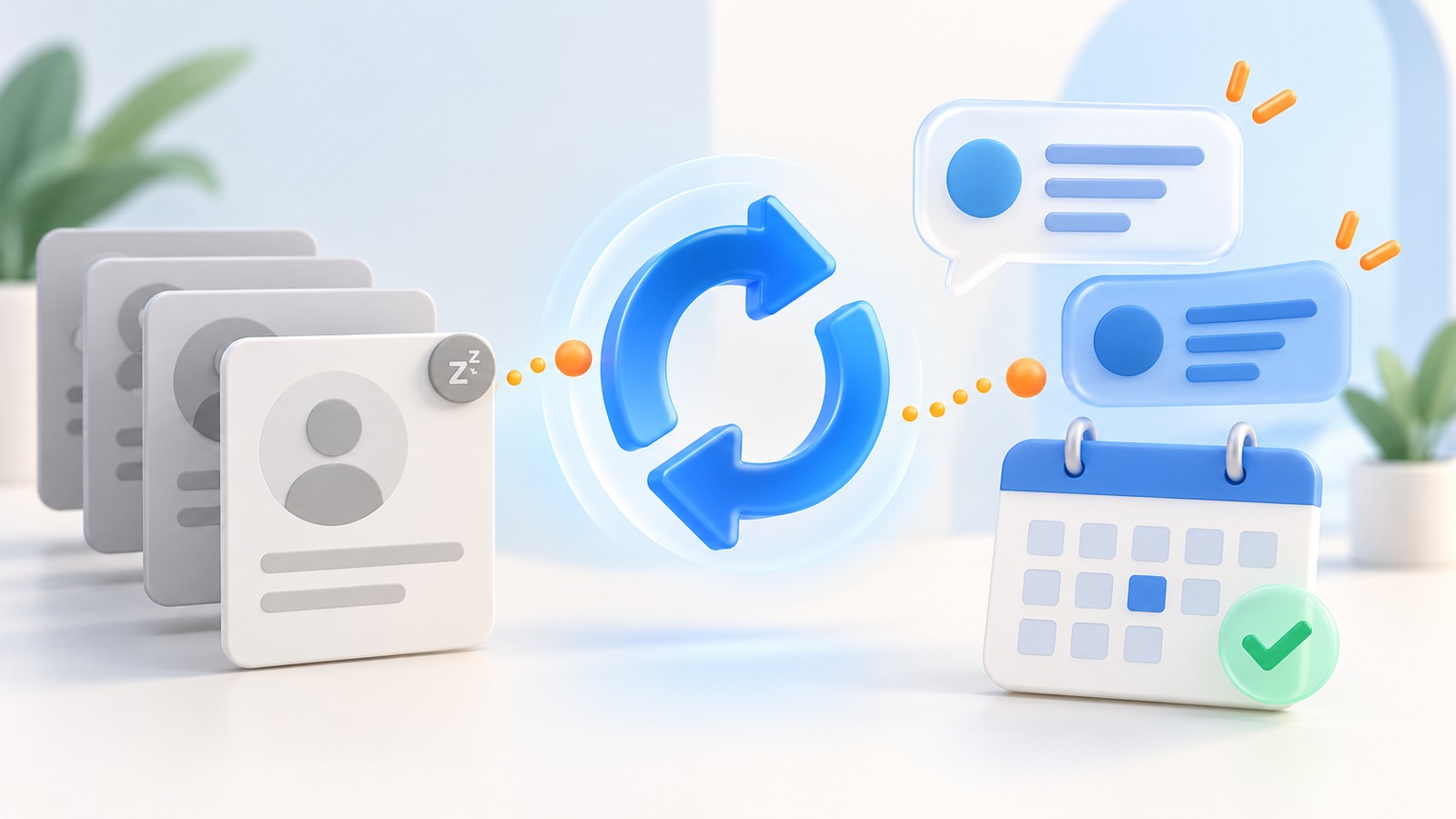
A prospect asks for a proposal, has a useful conversation with your team, and then goes quiet. A few months later, the CRM still says "follow up." Nobody knows whether the project was delayed, a competitor won, or the last message simply arrived at the wrong time.
AI lead reactivation can help your team work through that backlog. The useful starting point is the history of the enquiry: what the person wanted, what happened last, and whether there is a reasonable next conversation to have. Sending a new sequence to every old record skips the most important decision.
This guide explains how to build a practical dormant-lead workflow, where an AI sales agent can assist, and what your team should check before increasing volume. The examples are illustrative workflow designs, not measured customer results.
1. What is AI lead reactivation?
Lead reactivation means revisiting an earlier enquiry that has stopped progressing. AI can assist by reading the permitted conversation history, summarizing why progress stopped, suggesting a relevant message, and classifying a new reply. The CRM should retain the evidence and the owner responsible for the next action.
A dormant enquiry is different from a new prospect. You may already know the requested service, the timing constraint, or the unanswered question. That context can make a follow-up useful, provided it is accurate and still relevant.
It also differs from lead scoring. Scoring prioritizes records against chosen criteria; reactivation asks whether a specific previous conversation is worth reopening. For the prioritization step, see our guide to AI lead scoring.
2. Choose the right dormant leads first
Start with one clearly defined group. For example, review enquiries that requested a workflow demonstration but postponed the discussion until their next planning cycle. Confirm that the planning date has arrived and that the reason for contacting them still applies.
Before drafting anything, separate records with a known reason to revisit from records with incomplete history. Exclude people who declined further contact, opted out, or have an unresolved issue that belongs with a different team. An empty activity timeline is a reason to investigate, not evidence of interest.
| What the record shows | Useful next step | What to avoid |
|---|---|---|
| A requested callback date has arrived | Review the original request and make the agreed follow-up | Restarting a generic introduction sequence |
| A question was never answered | Find the answer and acknowledge the gap | Pretending the team already resolved it |
| The project was postponed without a date | Check whether a relevant, permitted timing enquiry makes sense | Assuming the project is now active |
| An opt-out or clear decline is recorded | Keep the stop condition in place | Treating silence or elapsed time as renewed interest |
| There is little reliable context | Have the record reviewed before any action | Inventing a previous conversation |
3. Give the AI useful CRM context
A name and an email address are not enough for a meaningful follow-up. Build a compact context packet containing the original request, the last substantive exchange, the reason the deal paused, any agreed date, the current owner, and relevant contact preferences. Preserve the original notes so the reviewer can check the summary.
Separate confirmed facts from suggestions. "The prospect asked us to reconnect in October" is usable evidence when the conversation contains that request. "They are probably ready to buy now" is an inference that should not become a CRM fact or appear as certainty in a message.
Resolve duplicate records before starting the workflow. If a salesperson is already handling an active conversation, pause automated reactivation for that enquiry. Our agentic CRM guide explains why the record, the proposed action, and the confirmed result should remain separate.
4. Build a workflow from review to reply
- Select an eligible group. Record the selection rule and review exclusions before messages are prepared.
- Summarize the history. Identify the original need, the last outcome, and the proposed reason to reconnect.
- Review the first message. Check the facts, tone, sender identity, and requested next step. Start with human review while the workflow is being evaluated.
- Record the sending result. Keep the attempt, provider response, and any failure separate. A queued action is not proof of delivery.
- Route the reply. Interested, later, wrong person, not interested, and needs human help should lead to different actions.
- Stop or hand over. Once a person takes ownership, prevent the automated sequence from continuing over the conversation.
The AI-assisted part is most useful where interpretation is required. Predictable steps such as checking an exclusion list, assigning an owner, or preventing a duplicate action can usually be handled with workflow rules.
5. Write a message that earns a useful reply
A reactivation message needs a clear reason to exist. Refer to a genuine earlier request, explain why you are reconnecting, and offer an easy next step. Avoid a long feature list or a calendar link before the prospect has indicated that a meeting would help.
Illustrative message for a requested follow-up:
Hi Priya, when we spoke about your enquiry follow-up process, you asked us to reconnect after your October planning meeting. Is reducing manual follow-up still on the agenda? If it is, I can share a short workflow outline for your team to review.
Use that wording only when the earlier conversation supports it. If the history instead shows a missed answer, address the question directly. If the person said the project was postponed, ask about timing without implying that a purchase decision has been made.
Do not fabricate urgency, pretend a new email is an existing reply, or add personal details unrelated to the enquiry. Google's email sender guidelines call for accurate sender information and message content, and explain authentication and unsubscribe requirements for mail sent to personal Gmail accounts. Review those requirements for your sending setup.
6. Route replies instead of chasing every contact
Define reply categories before launch. An interested reply might need a specific answer, a short discovery conversation, or a demonstration. "Try me next quarter" should produce a dated task supported by the reply. A wrong-contact response should trigger a record review, not automatic outreach to a guessed replacement.
Ambiguous replies need attention. A message that says "we already dealt with this" could refer to a completed project, a complaint, or an earlier conversation with a colleague. The workflow should show the message to the owner rather than automatically marking it as an opportunity.
For a meeting request, confirm the timezone, duration, and calendar response. A proposed slot is not yet a confirmed booking. Read our AI appointment booking guide for the steps between interest and a held meeting.
7. Three practical reactivation scenarios
A service business with postponed enquiries: a prospect asked to revisit an automation project after a busy period. The workflow checks the note, prepares a short timing question, and assigns the response to the original owner. It does not assume the old budget or scope is still valid.
A property team with an earlier requirement: someone asked about a particular location and price band. Before reconnecting, a representative checks whether the requirement is current and whether there is a relevant option to discuss. Availability and pricing need confirmation; the AI should not invent a matching property.
A B2B team with unfinished product evaluations: a prospect's last question concerned an integration. The next useful action is to confirm the present integration details and offer a focused answer. A broad "just checking in" message adds less value than resolving the specific uncertainty.
These are examples to adapt during workflow design. Available channels, integrations, and review controls should be confirmed for your implementation.
8. Measure conversations and outcomes
Track how many records were reviewed, how many were eligible, how many messages were attempted, and how many produced a substantive reply. Define each outcome in advance so a delivery receipt, automatic reply, and interested response are not counted as the same event.
A useful reactivation metric is eligible enquiries that restart a substantive conversation divided by eligible enquiries actually contacted, measured over a stated period. Keep the denominator and exclusions visible. Also review opt-outs, incorrect classifications, duplicate messages, and the amount of correction work required.
For example, if a hypothetical pilot contacts 80 eligible enquiries and 12 restart a substantive conversation, that rate is 15%. It does not mean 15% became customers, and it does not show that AI caused the replies. This example illustrates the calculation only.
To evaluate an incremental benefit, use comparable groups and consistent time windows where practical. Record changes to the offer, channel, and staffing. Otherwise, a better result may reflect several changes rather than the reactivation workflow alone.
9. Avoid the mistakes that create more cleanup
- One sequence for every old record: separate a requested callback from an abandoned form, an active deal, and a closed conversation.
- Personalization without evidence: use checked context rather than guessed budgets, priorities, or previous commitments.
- Duplicate actions after a timeout: check whether an earlier send succeeded before retrying it.
- A reply with no responsible owner: assign the next step before calling the lead reactivated.
- No stopping rule: document what happens after a decline, opt-out, uncertain response, or human takeover.
- Reporting only successes: include failures and correction work when assessing whether the workflow is useful.
NIST's AI Risk Management Framework is a voluntary resource for managing AI risks. In this workflow, a practical application is to define responsibilities, evaluate outputs, and review failures before expanding access or volume.
10. Run a focused pilot
Choose one enquiry source and one reason for reactivation. Agree on the eligible records, approved facts, message review process, reply categories, owner, and stopping rules. Keep the initial group small enough for someone to review every conversation.
Before contacting anyone, test the workflow using fictional records: a requested callback, an opt-out, a duplicate record, an unclear reply, an unavailable calendar, and a sending timeout. Check that each scenario leaves an understandable status and the correct next action.
Review the pilot with the people handling replies. Ask which summaries were useful, where the AI misread intent, and whether the records made follow-up easier. Expand only after the workflow handles the exceptions that actually occurred.
11. Explore your workflow with Vistaaraihub
A useful demonstration starts with your process: an old enquiry, its conversation history, the point where it stalled, and the action you want the team to take next. That makes it easier to discuss what belongs in the Sales AI Agent workflow and what needs a CRM rule or a representative's judgment.
If you do not yet know why enquiries stall, begin with a lead leakage audit. It can help distinguish a recoverable follow-up gap from an unsuitable enquiry or a genuine customer decision.
12. Your lead reactivation checklist
Before starting, confirm that you can explain why each selected contact belongs in the workflow, show the evidence behind the proposed message, identify the person responsible for a reply, and stop the process when needed. Measure restarted conversations separately from meetings and won business.
AI lead reactivation is most useful when it helps a team pick up a real conversation with context intact. Start with an enquiry you understand, offer something relevant, and make the next step easy to complete.
Explore 15 more questions about AI lead reactivation
How long should a lead be inactive before reactivation?
Use the original request and your sales cycle rather than an arbitrary age threshold. An agreed callback date is stronger evidence than a generic inactivity timer. If the record has no clear timing context, review it before deciding on contact.
Is lead reactivation the same as lead nurturing?
Lead nurturing supports an ongoing relationship with relevant information over time. Reactivation revisits a conversation that has stalled. The activities can overlap, but a reactivation workflow needs to explain why that particular enquiry should be reopened.
How is reactivation different from cold outreach?
Reactivation starts from a real previous enquiry or conversation. Cold outreach does not have that same history. An old address in a database is not, by itself, proof that the person previously engaged with your business.
What CRM fields are useful for the workflow?
Useful fields include the original request, last meaningful exchange, pause reason, agreed follow-up date, owner, contact preferences and current outcome. Keep the underlying conversation available so a reviewer can verify the summary.
Should AI rewrite the old CRM notes?
Keep original notes intact. An AI summary can be stored separately with enough context to check it. Correct confirmed errors through your normal record process rather than silently replacing the history with a generated interpretation.
What happens when a prospect asks to be contacted later?
Record the requested timing and scope of the follow-up, assign an owner and pause the current sequence. Avoid turning an ambiguous phrase into a firm appointment without confirmation.
What if the contact has changed companies?
Review whether the old enquiry still applies and whether the record belongs to the right person or account. Do not transfer the previous buying intent to a new employer or assume a replacement employee wants the same conversation.
Can reactivation run across email, phone and chat?
It can be designed across supported channels, but the team needs a shared record, clear ownership and channel-appropriate preferences. Confirm each integration and avoid simultaneous follow-ups that duplicate an active conversation.
Should every interested reply receive a booking link?
No. Some replies need a specific answer or a short clarification first. Offer a meeting when it is a useful next step, then confirm timing and booking status rather than treating a clicked link as a completed appointment.
What should happen when a reply is difficult to interpret?
Route the original message and available context to a person. Keep the outcome unconfirmed until it is understood instead of forcing the reply into a positive or negative category.
How do you prevent duplicate reactivation messages?
Deduplicate eligible records, keep one responsible workflow for the enquiry and record each action attempt. Check uncertain send results before retrying, and pause automation when a representative takes over.
What happens after a prospect opts out?
Apply the stop condition promptly across the relevant workflow and connected contact records. An opt-out should not be removed merely because a campaign ends, a record is imported again or time passes.
What should a reactivation pilot include?
Include one defined group, an approved message approach, review responsibilities, reply categories and stopping rules. Test fictional examples of failures and ambiguous replies, then review every real conversation in the initial pilot.
Can reopened enquiries be counted as recovered revenue?
No. A restarted conversation is an intermediate outcome. Count revenue only when the defined commercial outcome is confirmed, and use a careful comparison before claiming the workflow caused that outcome.
What should I prepare for a Vistaaraihub demo?
Bring an anonymized dormant enquiry, its last conversation, the reason it stalled and the next action you want. Include your review and ownership rules so the discussion can focus on a concrete workflow and required integrations.