A prospect asks for a proposal on Monday. On Tuesday, an automated email asks whether they want a demo. Later that afternoon, another message arrives on WhatsApp asking the same question. Each message looks reasonable on its own. Together, they show that the sales process is not listening.
An AI sales follow-up cadence is the set of rules that decides when to contact someone again, what to say and when to stop. A useful cadence follows the conversation. It respects the customer's requested timing, coordinates channels and gives the next message a clear purpose.
This guide offers a practical framework for teams designing or reviewing sales automation. The examples are illustrative, not a universal sending schedule or a promise about a particular product configuration. Start with your actual customer journey, then confirm what your connected systems can enforce.
1. Start with the customer's next step
Before choosing a delay between messages, identify why the next contact should happen. A person waiting for a promised document needs delivery of that document. A person reviewing a proposal needs space to review it. A person who has booked a meeting needs the appropriate confirmation and preparation information, rather than another invitation to book.
Write the purpose of the next action in one sentence. If it is only 'keep the lead warm', make it more specific. You might need to answer an outstanding question, confirm an agreed decision date or ask whether an evaluation is still active. When no useful next action exists, leaving the conversation alone can be the right choice.
- Record the latest meaningful customer request, including any promised date.
- Assign one person or workflow to own the next action.
- Distinguish a service message, such as a requested booking confirmation, from promotional outreach.
- Treat silence as an unknown state, not as permission to increase message frequency.
2. Use states instead of one schedule for everyone
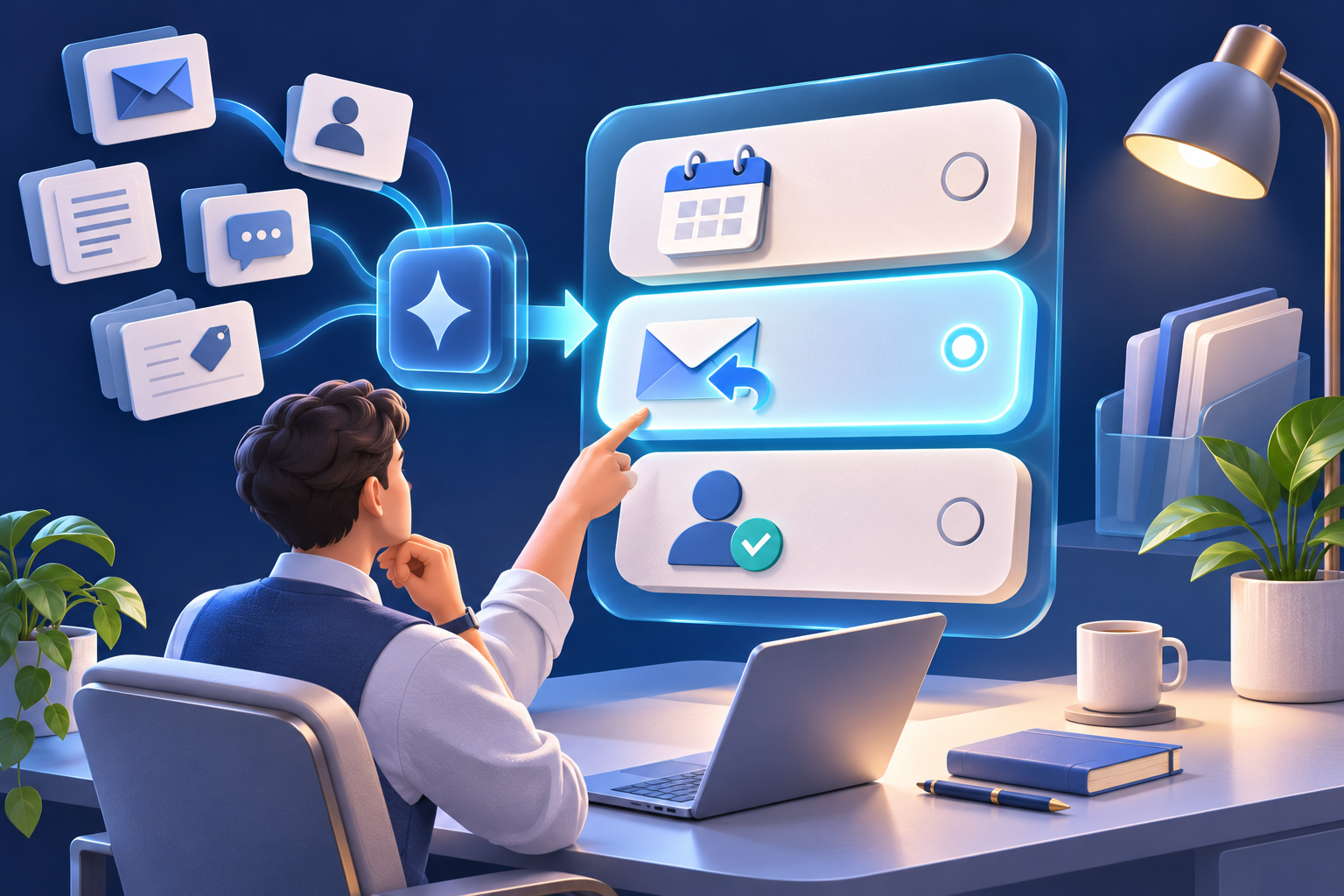
A single schedule becomes awkward when customers move at different speeds. Separate the broad stages of a conversation, then decide which actions are appropriate in each stage. The state should change when new information arrives, rather than remain fixed because the original campaign is still running.
The table below is a planning aid. A real workflow also needs the customer's contact preferences, local time, channel permissions and a named owner. Keep those details alongside the stage so the scheduling decision uses the whole conversation.
| Customer situation | Next action |
|---|---|
| Requested information | Send the promised material and record whether a further reply was requested. |
| Reviewing a proposal | Follow the agreed review date; avoid sending another introductory pitch. |
| Meeting booked | Stop booking invitations and use the relevant appointment workflow. |
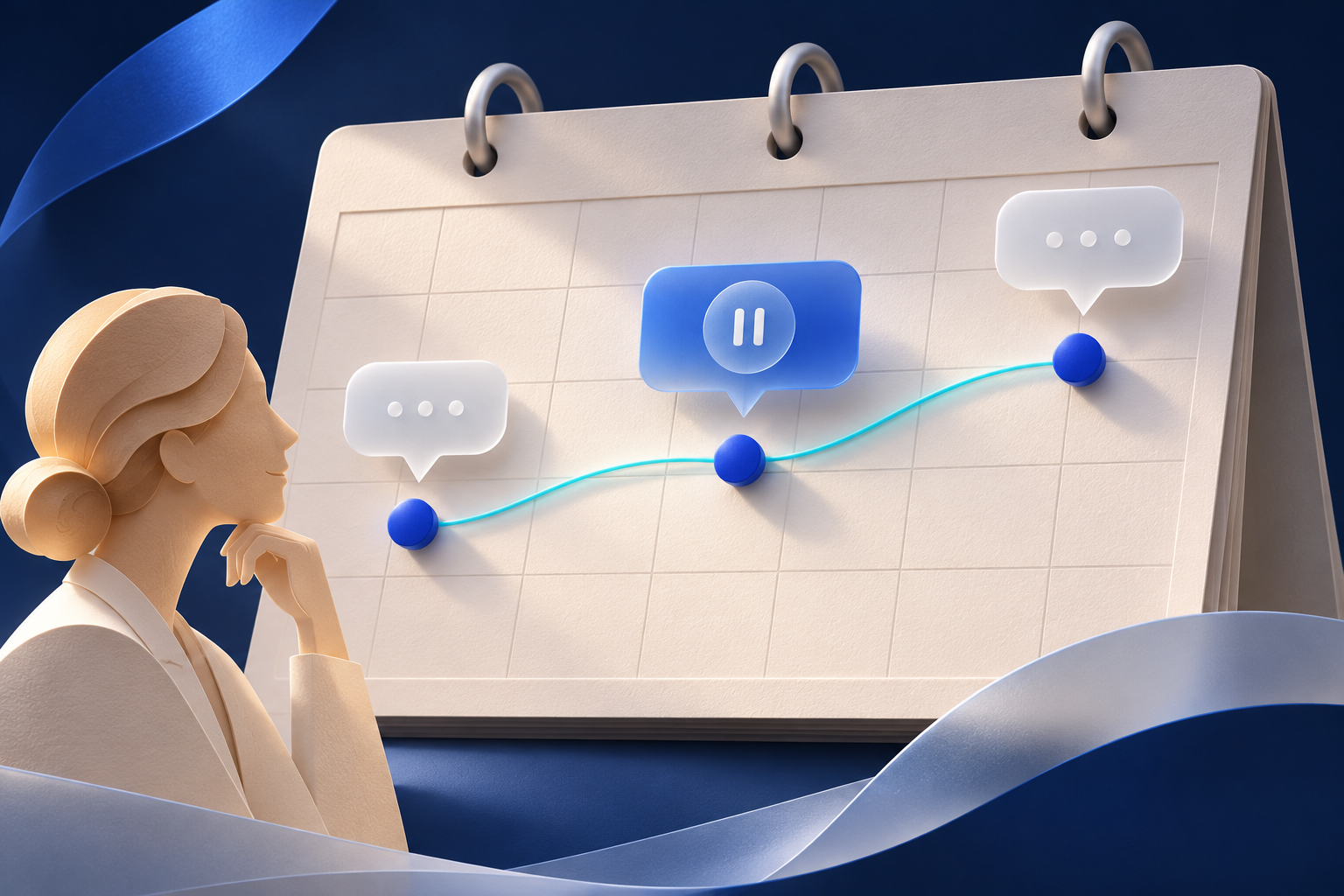
| Asked to reconnect later | Pause until the requested date and retain the reason for waiting. |
| Owner is handling the conversation | Pause automated sales follow-ups while the owner responds. |
| Declined or asked for no further contact | Stop the relevant outreach and preserve the preference. |
3. Build an illustrative cadence with room to wait
Consider an inbound prospect who requested a short product overview and agreed that the team could follow up. On the first day, send the requested overview with a brief explanation of how it relates to their question. If they did not give a review date, one later check-in might ask whether they need clarification. After a reasonable review period, a final message could offer to pause the conversation.
For a small pilot, a team might review a sequence with an initial response, a check-in three business days later and a closing-the-loop message the following week. These intervals are examples, not performance benchmarks. A buyer who says 'contact me next month' should receive no intervening sales reminders. A buyer who asks a question tomorrow should receive a relevant answer rather than wait for the next scheduled step.
Review the sequence against your actual sales cycle. A procurement evaluation may need weeks, while a requested clarification before tomorrow's meeting may need prompt attention. Do not compress the schedule simply because automation makes sending easy.
4. Make every message earn its place
A helpful follow-up adds something or resolves a specific uncertainty. It can point to the exact part of a proposal the buyer asked about, answer a previously open question or confirm whether a planned review is still happening. Repeating the same pitch in different words usually adds little value.
For example: 'Hi Maya, you mentioned reviewing the workflow with your team this week. The short summary we discussed is attached. Is there one question you would like us to clarify before that conversation?' This message refers to a known next step and asks one manageable question. It should only be used when those details are true.
A later message might say: 'Would you prefer that I pause here and reconnect when your project is active?' Avoid invented urgency, unsupported savings claims or a meeting link in every reply. Let AI draft a concise response from verified context, and use human review when the proposed reply includes a commercial commitment or uncertain claim.
Discuss your workflow in a demo
5. Coordinate email, WhatsApp and human replies
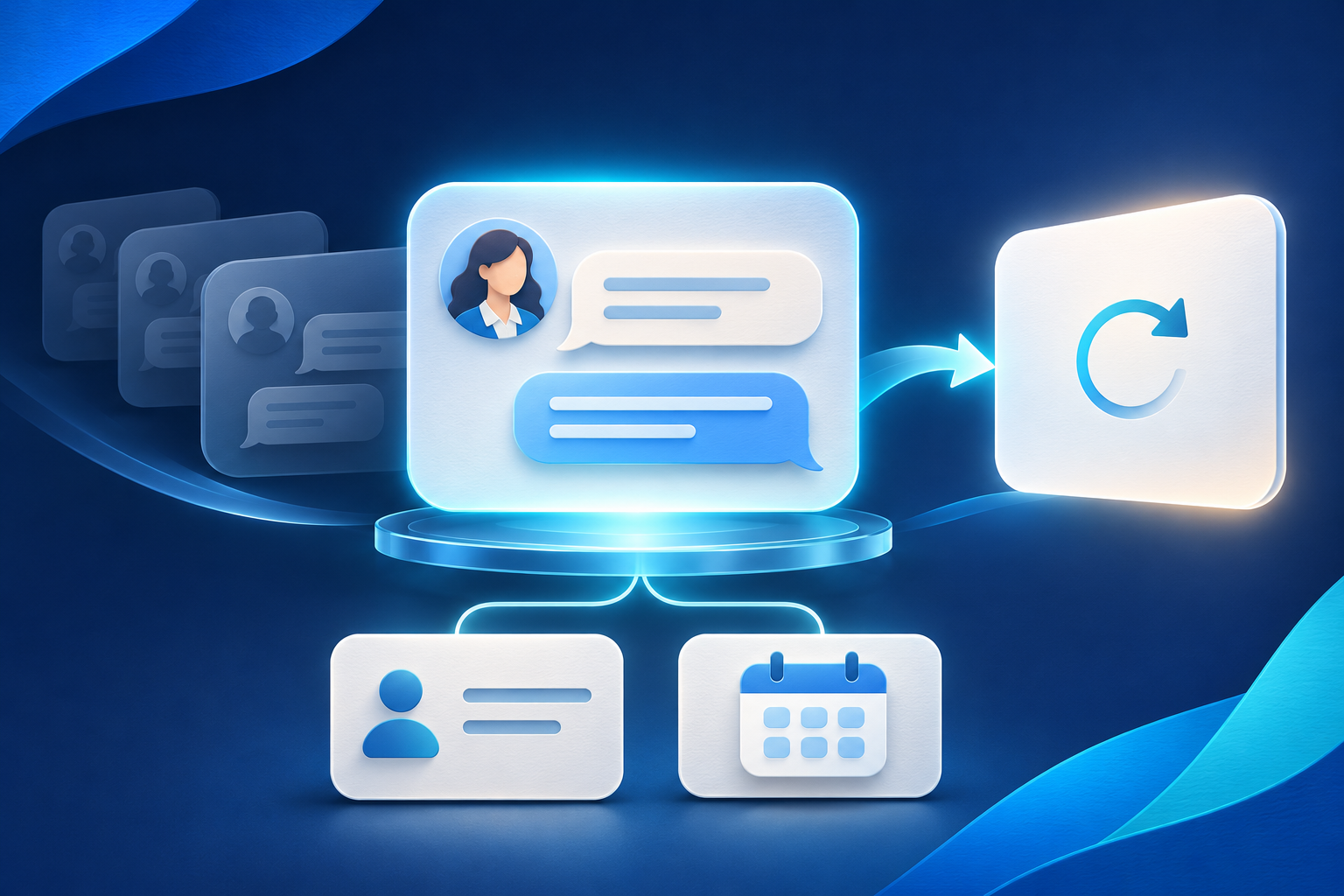
Customers experience a conversation across channels, even when your tools store separate timelines. A reply on WhatsApp should be considered before an email follow-up is sent. A salesperson's manual reply should also count as recent contact. Otherwise, several individually correct workflows can create one confusing experience.
Use a shared view of the last meaningful interaction, the next planned action and the current owner. Where channel events cannot be reliably synchronized, keep the automation narrower and add a manual review. Do not assume that a channel integration automatically shares all activity with every campaign tool.
Choose the channel based on the customer's preference and the purpose of the message. Moving from an unanswered email to WhatsApp is not automatically an appropriate escalation. Confirm that the channel is suitable and permitted for that contact, and avoid sending the same request through several channels simply to get attention.
- Check the conversation state again immediately before sending.
- Cancel or replace stale queued actions when the next step changes.
- Keep one active owner so two team members do not follow up independently.
- Record send outcomes so a retry does not create a duplicate message.
6. Define stop and pause rules before launch
Stop rules deserve as much attention as message copy. A reply should move the conversation into review or an appropriate response flow. A confirmed booking should end booking invitations. A declined opportunity, an opt-out or a channel restriction should block the relevant outreach. If a customer asks to reconnect later, pause rather than quietly continue the original sequence.
Existing sales tools illustrate why settings must be checked. HubSpot documents automatic sequence unenrollment for specified replies and meeting events, with configurable triggers. It also notes that unenrollment stops upcoming steps rather than undoing sent emails. This is an implementation example, not a statement about which settings are enabled in your own tools. Test the actual configuration.
Separate 'paused' from 'finished'. A pause needs a reason, a review date when appropriate and someone responsible for deciding what happens next. A finished conversation should not restart because a contact is imported again. Preserve relevant contact preferences even when older conversation content is cleared.
Reference: HubSpot documentation: unenroll contacts from a sequence.
7. Measure helpful progress, not just activity
A high number of sent messages does not show whether a cadence is useful. Review the outcomes the team actually needs: relevant replies, answered questions, accepted next steps and meetings that take place. Also inspect unwanted outcomes, including duplicate messages, requests to stop and follow-ups sent after a conversation had already moved on.
Compare similar groups when reviewing results. An inbound enquiry, an existing customer's expansion discussion and a long-term nurture contact are different situations. Mixing them can hide a timing problem or make one sequence look better because it contains more ready-to-buy prospects.
Read a small sample of full conversations alongside the numbers. Look for messages that repeat information, ignore a requested date or sound too formal for the exchange. Improve one part of the cadence at a time, and avoid treating a small change in reply rate as proof of a universal winning schedule.
8. Test the awkward moments before expanding
Start with internal test contacts and a narrow pilot. The most valuable tests happen when an event arrives just before the next scheduled message. Confirm that a new reply, a booking or a manual handoff changes the queued action in time. A workflow that behaves correctly only when events are far apart needs more work.
Test customer time zones, business-day assumptions and a request to resume on a specific date. Check what happens after a failed send or a temporary connection problem. A retry should not blindly send a second message when the first delivery outcome is unknown. Keep enough delivery history for the owner to investigate.
Finally, rehearse a human takeover. The salesperson should see what has already happened, why the next action was planned and whether automation is paused. Expanding a sequence is easier when the team can explain its behavior without reading technical logs.
- Reply immediately before a queued follow-up and confirm that the old message is stopped.
- Book a meeting through the supported booking route and check that invitations stop.
- Ask to reconnect later and verify the date, local time and pause status.
- Record an opt-out and confirm that a re-import does not restart outreach.
- Have an owner take over and confirm that automated sales replies remain paused.
Put the workflow into practice
A good AI sales follow-up cadence gives the customer a useful next step while making the team's responsibilities clear. Begin with one conversation stage, one owner and explicit stop rules. Review real examples, confirm the connected systems can enforce your rules, and expand only when timing and handoffs behave as intended. Bring your current process to a Vistaar AI Hub demo to discuss where automation could help and where human judgment should remain.
Bring your workflow to a Vistaar AI Hub demo
Discuss your current process, the systems involved and one practical improvement. Confirm the available configuration and review points with the team.
Book a demoExplore AI CRMContinue exploring
- Explore the Vistaar AI Hub sales AI agent
- Keep customer answers current with an AI sales knowledge base
Explore 15 more practical questions
What should a first follow-up contain?
Refer to the customer's actual request, provide the promised information and ask one relevant question if needed. Avoid restarting the introductory pitch when the conversation has already progressed.
Should every message include a demo link?
No. Include a booking link when arranging a meeting is the appropriate next step. A customer asking a specific question may simply need a clear answer.
What if a prospect says to contact them next month?
Pause sales follow-ups and record the requested timing. If the exact date matters and is unclear, clarify it naturally rather than guessing or continuing the existing schedule.
Should an out-of-office reply count as interest?
No. Treat it as availability information and review any return date. Automated reply detection differs across tools, so check how your configured workflow handles it.
How should a manual salesperson reply affect automation?
It should update the conversation state and pause conflicting automated follow-ups. Give the salesperson a clear way to retain ownership or return the conversation to an approved workflow.
Can a cadence resume after a meeting is booked?
Move the contact to the appropriate appointment or post-meeting process instead of continuing booking invitations. Any later follow-up should reflect what actually happened at the meeting.
What if two campaigns contain the same contact?
Check for conflicting active sequences and establish one owner and next action. Deduplicate the workflow enrollment so the customer does not receive parallel messages with different requests.
Should messages be sent in the customer's local time?
Use a reliable time zone and appropriate contact hours. When location is uncertain, avoid inferring precise preferences from a weak signal and let the owner confirm the timing.
How much personalization is useful?
Use a few verified details that directly explain the next step. Do not add guessed personal facts or repeat old information just to make an automated message appear familiar.
What should happen after a failed send?
Record the outcome and determine whether delivery is known to have failed before retrying. Respect channel restrictions and avoid switching channels automatically without considering the customer's preferences.
Should silence trigger more frequent messages?
No. Silence does not establish interest. Reassess whether another message has a useful purpose and use a defined stopping point rather than escalating indefinitely.
Can AI choose the entire schedule by itself?
AI can propose timing from the available context, but the business should define limits, stop rules and review requirements. Customer requests and explicit preferences should take precedence over a suggested schedule.
What belongs in a closing-the-loop message?
A short acknowledgment that the project may not be active, an offer to pause and an easy way to reconnect later. Avoid blame, invented deadlines or pressure to respond.
Does deleting conversation history mean outreach can restart?
No. Preserve relevant contact preferences and stop conditions separately from conversational history. Clearing old context should not erase an opt-out or a recorded request to wait.
What should we bring to a follow-up workflow demo?
Bring a few anonymized conversation examples, your current stages, channels, booking process and ownership rules. Ask the team to demonstrate the specific pause, handoff and stop behaviors you need.