
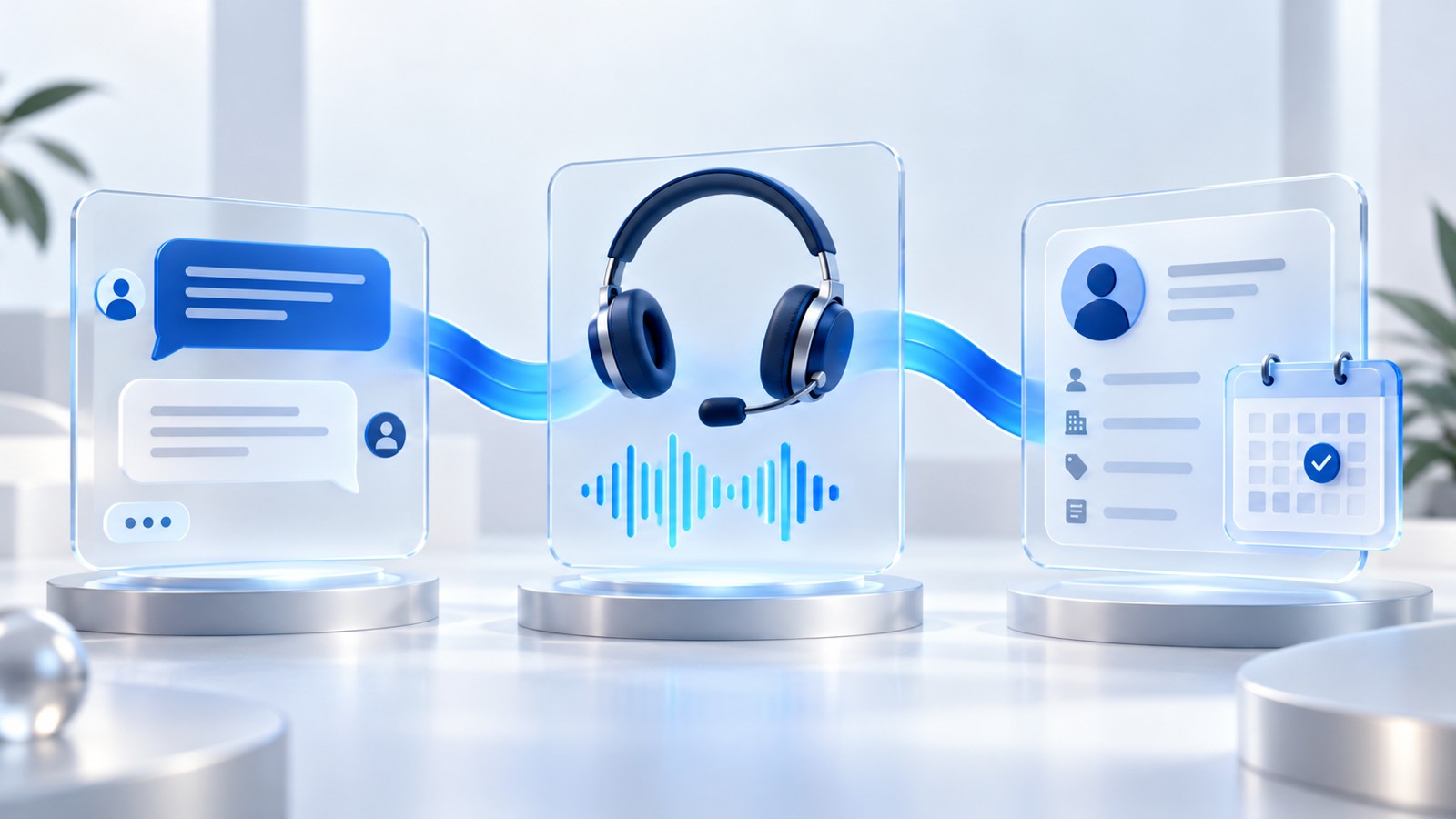
A prospect explains their requirements in website chat, agrees to a call, and then hears the same opening questions from the salesperson. The business has several communication channels. The conversation still starts from zero every time.
Conversational AI for sales works best when each interaction leaves useful context for the next one. The goal is a clear sequence: understand the enquiry, preserve what the buyer has actually said, and help the right person take the next step. A friendly reply alone does not complete that job.
How to connect chat, voice and CRM workflows, decide what context to carry forward, handle human handoffs, and test a small pilot before expanding it.
1. What is conversational AI for sales?
Conversational AI for sales uses language-based interactions to help people ask questions, explain needs and move through a sales process. Depending on the implementation, it can support website chat, voice conversations, follow-up messages and updates to customer records.
A useful workflow has three parts: an interface where the buyer communicates, approved information the assistant can use, and clearly permitted actions. Those actions might include recording an enquiry or offering an available meeting time. Each action needs a reliable result before the assistant says it has succeeded.
Keep the initial purpose narrow. “Help inbound prospects request a relevant demo” is easier to evaluate than “automate sales.” The narrower scope gives the team a clear way to inspect answers, records and handoffs.
2. Why connected customer context matters in 2026
Current product directions show how closely conversational AI and CRM workflows are becoming linked. Salesforce describes sales engagement across web, email and voice using CRM context, with qualified prospects passed to sellers. HubSpot describes preserving customer context across channels in its service workspace. These are vendor-specific capabilities, not a guarantee that every tool supports the same connections. Source: Salesforce AI for Sales; Source: HubSpot omnichannel service.
For a sales team, the practical question is simple: can the next person understand the enquiry without asking the buyer to repeat it? Review the transition between channels, not just the quality of the first response.
An attractive chat experience can still create extra work if it saves an incomplete record, assigns no owner or sends a second follow-up after a salesperson has already replied.
3. A chatbot, a voice agent and a connected workflow
| Approach | What to look for | What to verify |
|---|---|---|
| Website chatbot | Relevant answers and a clear way to ask for help | Whether enquiry details reach the correct record |
| AI voice agent | A focused conversation and accurate capture of important answers | Whether names, dates and requests are confirmed correctly |
| Connected conversational workflow | Shared context, a named owner and a recorded next step | Whether updates and follow-ups stay consistent across channels |
These categories overlap. A chat tool may have strong CRM integration; a voice tool may only provide a transcript. Evaluate the workflow you can demonstrate with your own example instead of relying on the product label.
4. Define the context that must travel with the lead
Start with a small record that a salesperson can read quickly. Include information that changes what happens next, and distinguish confirmed facts from an AI-generated interpretation.
- Identity and source: the verified contact record, originating channel and conversation reference.
- Stated need: what the prospect wants, preferably with a short supporting quotation or source link.
- Known requirements: relevant location, use case or timing when the buyer has provided it.
- Open questions: important details that remain unknown. An unanswered budget question is not a zero budget.
- Contact preference: the channel and time the prospect requested, alongside the applicable contact permissions.
- Next step and owner: the agreed action, responsible person and due time with its time zone.
Avoid treating an inferred need as a confirmed purchase intention. Keep the original conversation available to authorized reviewers, and let a human correct the summary. Our CRM data hygiene guide covers the records that support this process.
5. Walk through a chat-to-call example
The following is an illustrative workflow, not a customer case study or a promised result.
A visitor asks whether an AI assistant could help with property enquiries. The chat asks what the team currently does, learns that the visitor wants to improve follow-ups, and offers a demo. The visitor selects a time and provides their contact details.
The system checks availability and records the booking only after receiving confirmation. It then links a short summary to the relevant contact: “Property enquiries; interested in follow-up automation; current workflow needs discussion; demo confirmed for the selected time.” It records the actual time zone rather than a vague “tomorrow afternoon.”
Before the call, the salesperson reviews that summary and asks a useful next question: “Which follow-up step currently takes your team the most time?” The buyer can continue the conversation instead of repeating the original request.
If the booking fails, the assistant explains that the time was not confirmed and offers a recovery step. It must not create a successful-looking CRM activity for an unsuccessful booking.
See what a connected demo journey could look like.
Bring one enquiry and the next step you want your team to complete.
6. Decide when a human should take over
A buyer asking for a person needs a clear route to one. Other useful handoff triggers include an unanswered product question, an account-specific exception, unclear identity or a request beyond the assistant’s authority.
HubSpot’s customer-agent documentation distinguishes immediate handoff from assignment for later follow-up and allows custom handoff triggers. That distinction is useful when designing a sales process: promising a live transfer and creating a callback task are different outcomes. Source: HubSpot handoff documentation.
Record whether an owner has actually accepted the handoff. If nobody is available, say so clearly and offer a realistic next step. A message in an unmonitored queue should remain an unresolved task, not a completed handoff.
For a broader review process, read our guide to human-in-the-loop AI sales agents.
7. Prevent duplicate and conflicting follow-ups
Connected channels need shared ownership rules. Without them, a chat assistant can offer a meeting while an email sequence is still asking the same person to book one.
- Match records using a verified identifier rather than a similar name alone.
- Check the latest contact activity before sending the next message.
- Pause the relevant automated sequence when a human takes ownership or a meeting is confirmed.
- Give each action a unique reference so a retry can be recognized.
- Record delivery failures separately from completed communications.
- Carry contact preferences and stop requests into every connected channel.
Define which system owns each field. If two integrations update the next-contact date, specify which update takes precedence and retain enough history to investigate a mistake. Reliable lead routing helps keep that responsibility clear.
8. Choose one workflow for the first rollout
Start where the question, information source and next step are relatively clear. An inbound demo request is often easier to scope than a complex negotiation involving several decision-makers.
Write the starting event and completion condition in plain language. For example: “When a visitor requests a product demo, collect the necessary details, confirm an available slot and make the enquiry available to the responsible team.” Define what happens when a contact cannot be matched or no time is available.
Confirm integrations in the actual environment. Ask for a demonstration of the record being created, a follow-up being paused and a human receiving the context. A channel logo on a marketing page is not evidence that your specific workflow is configured.
9. Run a focused two-week pilot
- Days 1–2: map the journey. Choose one lead source, document the current handoff and agree on success criteria.
- Days 3–4: prepare the information. Review approved answers, required fields and the people responsible for exceptions.
- Days 5–7: test realistic conversations. Include missing details, changed requirements, failed actions and explicit requests for a human.
- Days 8–10: observe a limited rollout. Review a manageable volume of conversations and record corrections.
- Days 11–14: inspect the results. Compare completed next steps and review effort with the baseline, then decide what to change.
This is a suggested evaluation schedule, not a deployment promise. Integration work or low enquiry volume may require a longer period. Keep the pilot small enough that the team can investigate every unresolved handoff.
10. Measure continuity and completed outcomes
Count outcomes that matter to the team, with clear denominators. Reply volume alone does not tell you whether a buyer reached the right next step.
- Context completeness: reviewed handoffs containing the agreed fields, divided by handoffs reviewed.
- Repeat-question rate: reviewed conversations where the buyer had to repeat information already captured correctly.
- Accepted handoffs: assignments confirmed by a receiving owner, with unresolved assignments shown separately.
- Held meetings: meetings that occurred, evaluated only after their scheduled time.
- Correction effort: time spent reviewing, repairing records and recovering failed actions.
Keep the comparison group and observation period consistent. Track both helpful automation and the extra work it creates. For financial evaluation, use the companion guide to AI sales agent ROI.
11. Use this checklist before adding another channel
- The assistant uses approved information and can acknowledge what it does not know.
- Contact identity is checked before separate conversations are linked.
- Confirmed facts, summaries and unknown details are distinguishable.
- Every handoff has an owner, status and clear next step.
- Failed actions have a recovery path without duplicate bookings or messages.
- The buyer’s preferred channel and requested time survive the handoff.
- Reviewers can inspect the relevant history and correct errors.
- A human can pause the workflow when it is not performing as intended.
Use a real example to test each item. Expand only when the receiving team can confidently use the information the workflow produces.
12. Bring your conversation flow to a Vistaar AI Hub demo
Pick one enquiry journey: website chat to a demo, a voice enquiry to a callback, or an existing contact to a clear next step. Bring an anonymized example, the systems involved and the information your team needs before responding.
Use the demo to discuss the sales AI agent, AI calling agent and AI CRM agent in the context of that workflow. Confirm the available connections and configuration for your requirements before planning a rollout.
Give the next conversation a better starting point.
Choose a time to discuss your sales process and the context your team needs to move it forward.
Book your personalized demo →Explore sales AIExplore 15 more questions about conversational AI for sales
What information should an AI assistant pass to a salesperson?
Pass the verified contact reference, stated need, relevant requirements, open questions, preferred contact method and agreed next step. Include the responsible owner and the time zone of any appointment. Keep confirmed statements distinct from generated summaries or assumptions.
Does adding more communication channels create an omnichannel workflow?
Additional channels create more ways to communicate. A coordinated workflow also needs shared context, consistent ownership and rules for updates across those channels. Inspect what happens when a customer moves between them to judge whether the experience is actually connected.
Should an AI assistant ask every qualification question at once?
Ask the minimum questions needed to decide the next useful step. Long questionnaires can interrupt a simple enquiry. Leave unknown details clearly marked and let the receiving team ask deeper questions when they are relevant.
How can we prevent duplicate follow-up messages?
Check the most recent activity and ownership before sending. Pause relevant automation after a confirmed booking or human takeover, and give actions unique references so retries are recognizable. Make stop requests and contact preferences available across connected channels.
What happens when no salesperson is available?
Explain that a person is not currently available and offer an appropriate callback or appointment option. Save the request with a responsible team and clear due time. Do not describe a queued request as a completed live transfer.
Can conversational AI confirm a meeting before the booking system responds?
A confirmed meeting should require a successful response from the booking system. If availability changes or the request fails, explain that the time was not confirmed and offer a recovery step. Keep attempted and successful bookings separate in the record.
How should time zones be handled in a sales conversation?
Record the selected time zone with the appointment and show a clear local date and time in the confirmation. Recheck availability after changes. Avoid ambiguous phrases such as tomorrow afternoon when the buyer and salesperson may be in different locations.
Should AI summaries replace the original conversation?
Use a concise summary to help the next person act, while retaining access to the relevant source under your retention and access policies. Reviewers need a way to verify important statements and correct a misleading summary.
How do we match a chat visitor to an existing contact?
Use an appropriate verified identifier and a defined matching process. Similar names or company names are not enough to merge records confidently. Route ambiguous matches for review before adding a conversation to someone’s existing history.
What should happen when a prospect changes their requirements?
Record the new statement with its source and time, and review the next step or assignment it affects. Avoid silently retaining an older requirement as the current one. The receiving salesperson should be able to see which information is latest.
What metrics show whether the workflow is helping?
Track context completeness, repeated questions, accepted handoffs, held meetings and correction effort. Define the denominator and reporting period for each measure. Review examples behind the numbers instead of treating conversation volume as the main sign of success.
Is a two-week pilot enough to prove financial return?
A short pilot can reveal workflow errors, review effort and whether context reaches the receiving team. It may not provide enough completed sales to establish financial return. Continue tracking the same lead group over a period suited to your sales cycle.
What should we test before connecting another channel?
Test identity matching, ownership changes, missing fields, repeated requests, unavailable appointment times and explicit requests for a human. Verify that an action on one channel updates or pauses the relevant activity on the other channels.
Will conversational AI work with every CRM automatically?
Integration coverage and configuration differ. Confirm the required fields, access permissions, supported actions and update behavior for your environment. Ask to see a representative workflow complete successfully, including how failures are handled.
What should we bring to a Vistaar AI Hub demo?
Bring an anonymized enquiry, the channels and systems involved, and the next step you want to improve. Explain which information a salesperson needs before responding and which actions require approval. Use the discussion to confirm the available configuration for your workflow.