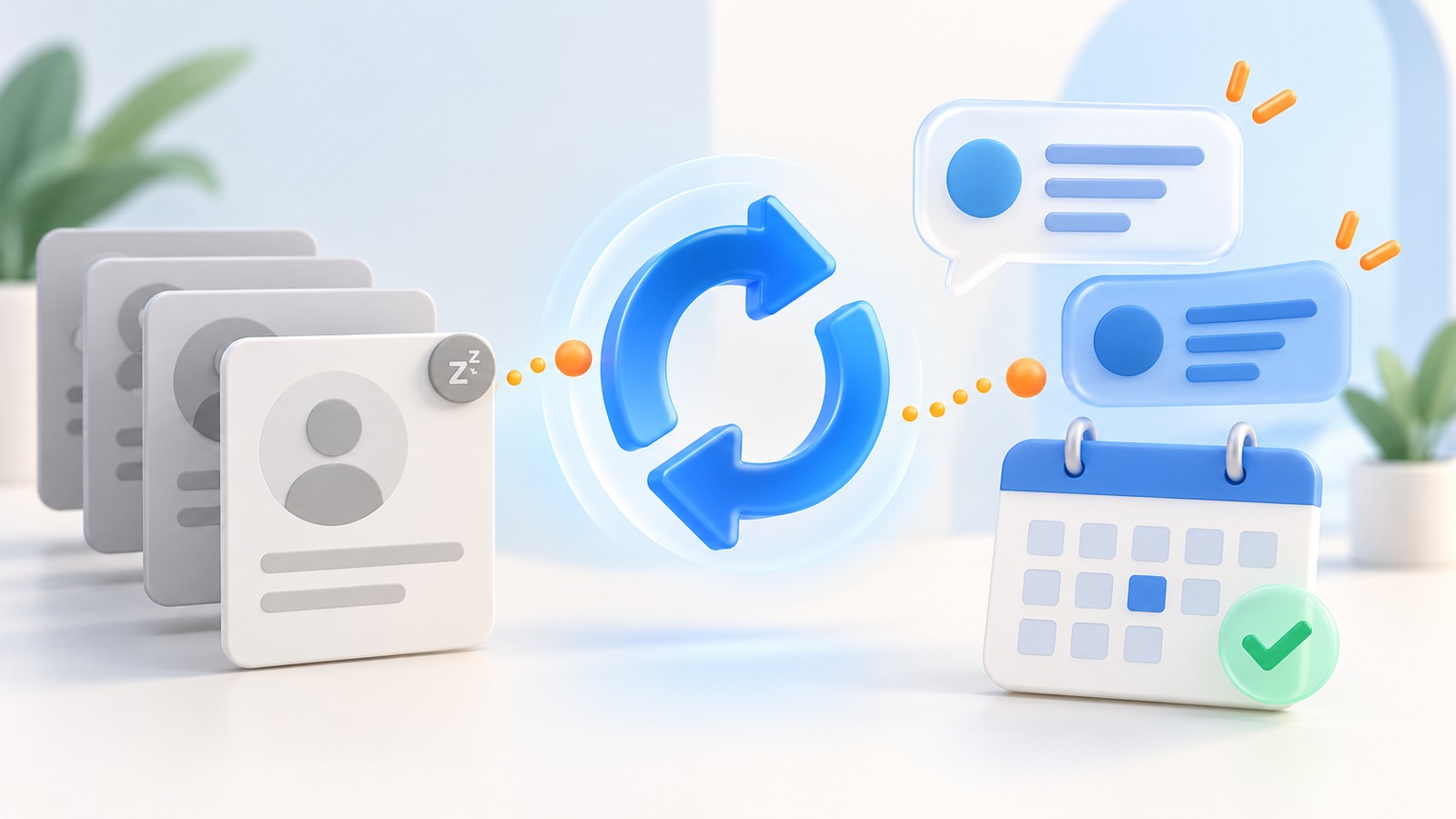

The demo went well. The prospect described a real problem, asked useful questions and agreed that another conversation would help. Then the follow-up arrives: "Thanks for your time. Let me know if you have any questions." The message is polite, but the work agreed during the meeting has disappeared.
AI sales follow-up after a demo can help turn that conversation into an accurate recap, an owned CRM task and a clear next step. The objective is to carry the buyer's priorities forward, with a record of what was promised and what still needs an answer.
This guide provides a practical workflow, three adaptable follow-up templates and a measurement plan. The examples are illustrative; they are not customer results or promises of a particular conversion increase.
1. What is AI sales follow-up after a demo?
Post-demo follow-up connects a completed sales conversation to the next action. AI can organize notes, suggest a concise email and identify missing information. Your workflow determines which actions require review, who owns each task and when a reminder should stop.
A useful output contains the buyer's stated goal, the relevant part of the discussion, any unanswered question and one proposed or agreed next step. It distinguishes a customer's commitment from a salesperson's suggestion. "We could involve procurement" must not become "Procurement has approved the purchase."
This is the stage after appointment booking and before the next commercial decision. A calendar entry proves that time was reserved; it does not establish that the meeting happened, the prospect qualified or a proposal was requested.
2. Why this workflow matters for agentic sales
Google Cloud's 2026 AI agent trends overview describes a move toward agents carrying out multi-step work under human guidance. In a sales workflow, that makes the handoff from a meeting to an action a useful place to evaluate AI.
The practical question is straightforward: can the team reliably turn a discussion into the right next step? Begin with a narrow process you can inspect. For example, generate a draft recap and a proposed task from approved notes, then have the meeting owner check both.
Do not treat every delay as a problem that needs another message. A buyer may be reviewing internally, waiting for a technical answer or planning for a later budget cycle. Good follow-up reflects that context.
3. Capture five facts before drafting
Start with notes that the meeting owner has reviewed. If a recording or transcript is used, follow the organization's recording, access and retention rules. The model should receive the information needed for this task, not an unrestricted export of the whole CRM.
| Field | What belongs here | What to avoid |
|---|---|---|
| Buyer goal | The outcome the prospect actually described | Inferring budget or buying intent from enthusiasm |
| Relevant demonstration | The workflow or feature connected to that goal | A recap of every feature in the product |
| Open question | A question that still needs a verified answer | Inventing an answer to make the email complete |
| Commitment | Who agreed to do what, with any confirmed date | Turning a suggestion into an accepted deadline |
| Next step | An agreed action, or a clearly labeled proposal | Moving the opportunity forward without evidence |
When a fact is absent, leave it unresolved. A short clarification is more useful than a polished but inaccurate recap.
4. Build the notes-to-action workflow
- Confirm the meeting outcome. Separate held meetings, cancellations and no-shows before choosing a template.
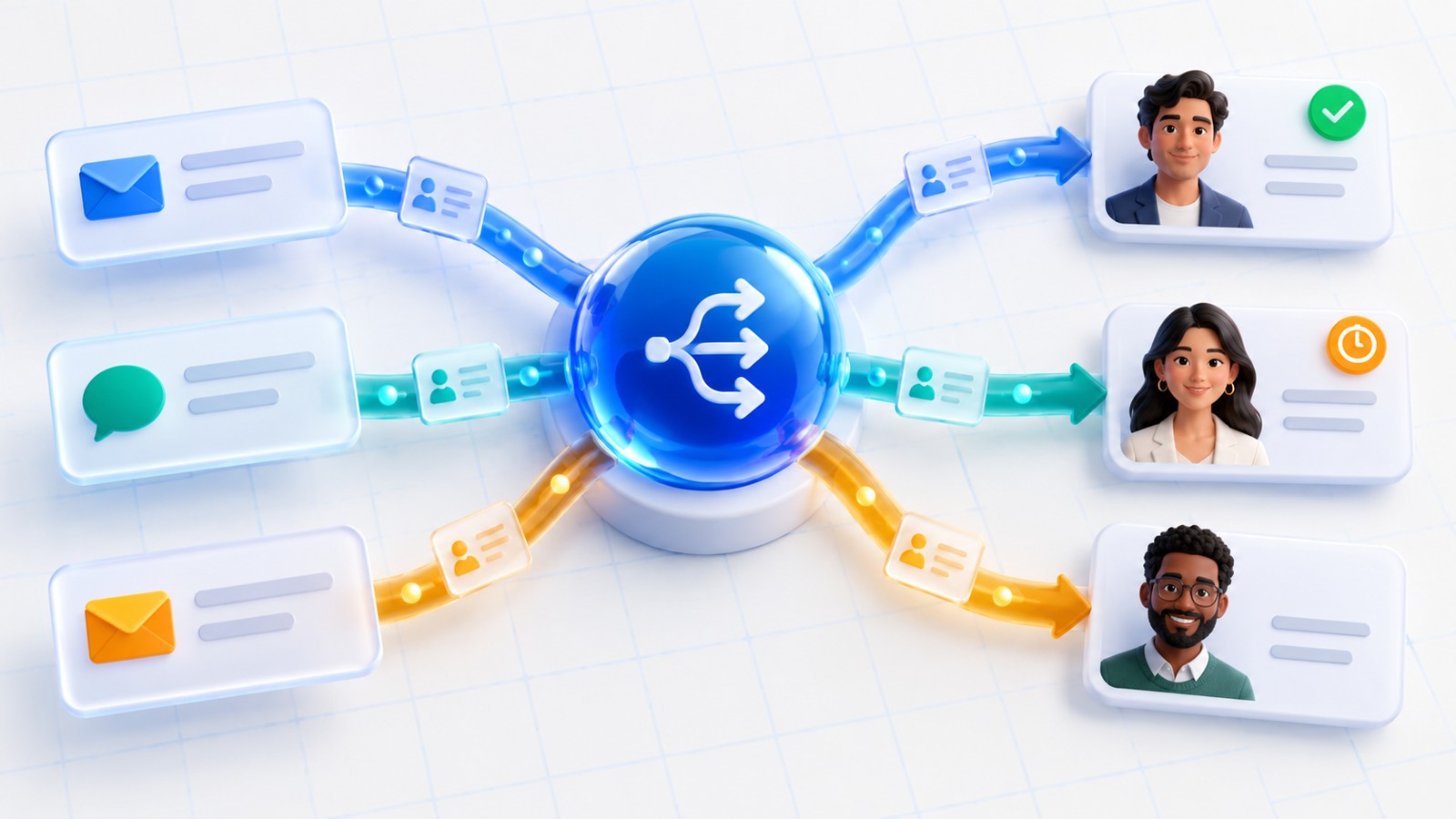
- Match the right record. Check the contact, company, opportunity and meeting owner. A similar name is not enough.
- Extract a structured recap. Separate confirmed facts, unresolved questions and proposed actions.
- Draft the message and tasks. Keep internal notes separate from customer-facing wording.
- Review commitments. Have the responsible person verify dates, links, recipients and any commercial or technical claim.
- Send and record the result. Store the approved version and delivery state. Do not mark an uncertain send as completed.
- Listen for changes. Pause the sequence on a reply, an opt-out, a new meeting or a representative taking over.
An agentic CRM workflow needs a reliable action record as well as a useful summary. If a send times out, check whether the email provider accepted it before issuing another copy. If the CRM write fails, keep a visible recovery task.
Bring one real follow-up problem to your demo
Show us an anonymized meeting recap, the next action you wanted and where your current process lost track.
Discuss Your Sales Workflow5. Template: a demo with an agreed next step
Use this structure when the prospect agreed to a specific action. Replace every bracketed field with a verified fact before sending.
Subject: [Company] demo recap and our next step
Hi [First name],
Thanks for walking us through [buyer-stated challenge]. We focused on [relevant workflow] and how it could fit your current process.
We agreed that [owner] will [action] by [confirmed date and time zone, if relevant]. I will also send the answer to [open question] once [responsible team] has checked it.
For our next conversation, the goal is to [agreed objective]. Please correct anything I have misunderstood in this recap.
Best,
[Sender name]
Keep the request easy to identify. If the next action is reviewing a document, link to that document after checking access. If it is a technical review, say what the review should resolve. Do not add several unrelated booking links simply because they are available.
6. Template: the prospect needs an answer first
A buyer waiting for a technical answer does not need a generic "checking in" sequence. Put the answer owner and a realistic update date in the CRM before drafting the message.
Subject: Following up on [specific question]
Hi [First name],
The main question we left open was [question]. [Responsible team or person] is checking [specific point]. I will send an update by [date agreed internally], even if the investigation is still in progress.
While that is being checked, is [one relevant requirement] a firm requirement for your team? That will help us make the answer useful.
Best,
[Sender name]
An AI draft should never promise compatibility, delivery dates, discounts or security capabilities that have not been confirmed. Give the reviewer the supporting note or source alongside the draft so the check is practical.
7. Template: the timing is later
When a prospect says the timing is not right, record their stated reason and preferred return date. A future task can preserve the opportunity without continuing an unwanted sequence.
Subject: Reconnecting around [agreed timing]
Hi [First name],
Understood that [stated timing constraint] comes first. I have noted that we should reconnect [agreed date or period] about [specific objective].
If priorities change before then, you can reply to this thread. Otherwise, I will follow the timing we discussed.
Best,
[Sender name]
If the prospect has not agreed to a return date, ask whether they want a later follow-up instead of assuming permission. For a broader process, see our guide to managing "contact me in three months" leads.
8. Add approval and stop rules
Decide what AI may draft, what a person must approve and what the system may send under an approved rule. Google Cloud's agentic design-pattern guidance describes human intervention for tasks needing judgment or approval. Applied here, that means making review a defined step before sensitive commitments leave the business.
Use an explicit stop condition when the recipient replies, asks not to be contacted, books the next meeting or the owner starts a direct conversation. Keep a clear state for ambiguous replies so they reach a person rather than triggering another scheduled nudge.
NIST's Generative AI Profile addresses risks including confabulation. For this workflow, verify customer statements and commitments against the notes. Fluent wording does not establish that a statement is true.
9. Give every CRM task an owner and a finish condition
"Follow up with customer" is too vague to coordinate work. A useful task might read: "Priya to confirm whether the requested export format is supported, attach the verified answer to the opportunity, and update the buyer by Thursday." The date must come from the actual discussion or a confirmed internal commitment.
- Owner: one person accountable for completing the action.
- Due time: the date and time zone where timing matters.
- Source: a link to the meeting note or original request.
- Completion evidence: the approved answer, delivered document or confirmed meeting.
- Exception route: who is notified when the task cannot be completed.
Preserve ownership when the same meeting is processed twice. A retry should update or resume the original action, not create a second task and email. If responsibility changes, use an explicit handoff like the one described in our AI lead routing guide.
10. Measure useful progress, not message volume
Evaluate a small set of comparable meetings before expanding the workflow. Record the baseline, then review both the numbers and a sample of actual messages. A busy inbox is not proof of buyer progress.
- Recap accuracy: how often the reviewed draft correctly reflects the meeting.
- Time to approved follow-up: the gap between the meeting ending and a useful, approved message.
- Owned next-step coverage: the share of eligible held meetings with a named owner and explicit action.
- Task completion: whether promised answers and documents arrive by their agreed dates.
- Buyer-confirmed progress: replies that confirm the next step or resolve an outstanding requirement.
- Unwanted repeats: duplicate messages and messages sent after a stop condition.
Define each denominator. For example, exclude cancelled meetings from a metric about post-demo recaps. Read objections and corrections alongside response counts; a reply that says the recap is wrong is not a successful outcome.
11. Pilot one meeting type before expanding
Choose one team and one repeatable meeting type, such as an initial product demo. Review a small sample of past meetings to identify the fields and exceptions the process actually needs. Use anonymized examples when configuring or testing the workflow.
Begin in draft-only mode. Ask reviewers to record why they changed a draft: missing context, incorrect ownership, unsupported claims or tone. Fix the recurring causes before considering automated sending for a narrow, approved case.
Test a no-show, duplicate meeting event, missing transcript, changed owner, bounced message, late reply and failed CRM update. Confirm that the team can pause automation and recover an unfinished task. The right initial scope is a process the team can explain and inspect.
12. Plan your next step with Vistaaraihub
Bring your current notes template, one anonymized follow-up and a clear account of what should happen after a demo. That gives a workflow discussion a concrete starting point: the desired action, its owner, the approval boundary and the systems involved.
Explore Vistaaraihub's Sales AI Agent and AI CRM Agent pages, then discuss which parts of the proposed workflow fit your available integrations and operating process. Confirm the supported capabilities and configuration before enabling unattended actions.
Turn a good demo into a clear next action
Discuss a follow-up workflow built around accurate recaps, accountable owners and useful next steps.
Book a Workflow DemoExplore 15 more questions about post-demo follow-up
Is a meeting summary enough to automate the next step?
A summary is an input, not an instruction to send or change the opportunity. The workflow still needs the correct customer record, an owner, the approval status and a clearly defined action.
Can the workflow use manual meeting notes?
Yes. Reviewed manual notes can be the source when a transcript is unavailable or unnecessary. Identify the note owner and mark missing facts explicitly instead of asking the model to fill gaps.
What should happen after a demo no-show?
Use a no-show branch rather than a completed-demo recap. Confirm that the meeting was missed and offer an appropriate way to rearrange it, following the prospect’s preferences and the team’s contact policy.
Should AI infer that a prospect has buying authority?
No. Treat authority as confirmed only when the discussion or a reliable account record establishes it. An enthusiastic attendee may be researching options for another decision-maker.
What if the prospect asks for a discount?
Record the request and route it to the person authorized to decide. A generated draft should not invent a discount, quote an unapproved price or imply that a commercial exception has already been agreed.
Should every follow-up contain a booking link?
Use a booking link when scheduling is the relevant next action. If the buyer is waiting for a document or technical answer, focus on that first. One relevant request is easier to act on than several competing calls to action.
How should a team handle an unresolved integration question?
Assign the question to a qualified owner, provide the original context and set an internal update date. Tell the buyer what is being checked. Do not replace missing evidence with an AI-generated assurance.
Can AI update the CRM after the meeting?
A configured integration can write approved notes and tasks within its permissions. Validate the target record and confirm the write succeeded. Keep a review boundary around stage changes, forecasts and other fields that require a commercial judgment.
What if the email sends but the CRM update fails?
Keep separate states for sending and recording. Verify the email delivery attempt before retrying it, then recover the missing CRM update. Treating both actions as one indistinguishable failure can produce duplicate messages.
What should happen when a buyer replies early?
Pause any scheduled nudge and put the reply in front of the responsible owner. Update the planned action to reflect the new information before resuming automation.
How do we handle a prospect who asks to reconnect later?
Record the requested timing and create a future task. Stop the current sequence unless the prospect has asked for something else in the meantime. Make the reason and agreed timing visible to other team members.
Which time zone should a follow-up deadline use?
Use an explicit time zone for time-specific commitments and confirm ambiguous phrases such as tomorrow afternoon. Preserve the agreed instant when displaying the task to colleagues in other locations.
What should reviewers check in an AI-generated recap?
Check names, recipients, stated requirements, promises, dates, links and the next action against the original notes. Look for invented certainty, especially when a possibility has been rewritten as a customer commitment.
How can we evaluate a pilot without assuming a conversion lift?
Compare recap accuracy, time to approved follow-up, owned next-step coverage and task completion against your baseline. Review buyer corrections and unwanted repeats. Report observed results without treating message volume as a conversion outcome.
What should I bring to a Vistaaraihub workflow demo?
Bring an anonymized meeting note, your current follow-up message, the desired next action and the systems involved. Explain who approves messages, who owns open questions and where your team currently loses track.