
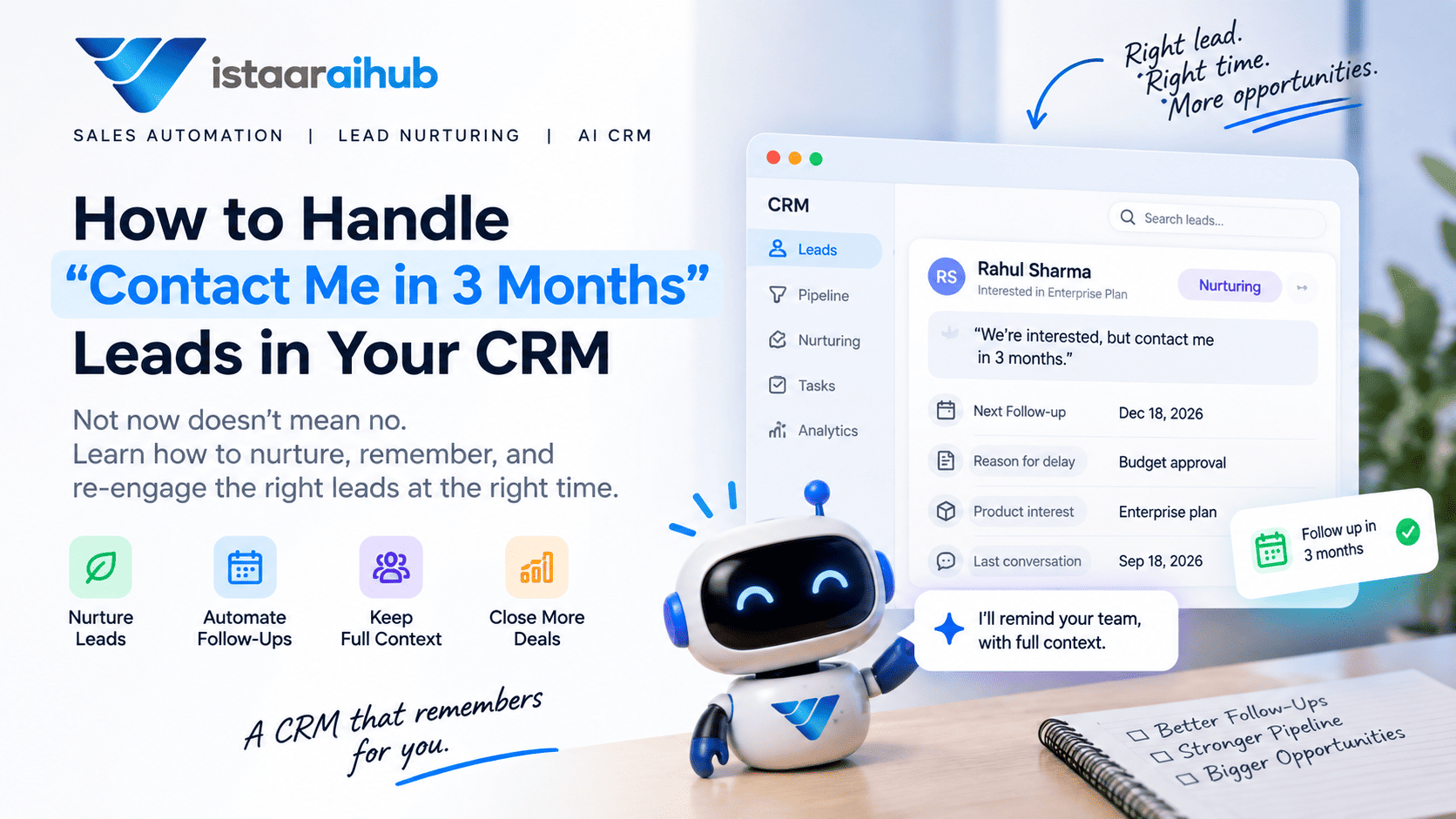
How to Handle “Contact Me in 3 Months” Leads in Your CRM
A prospect says to you:
“We're interested. Contact me in three months.”
What then?
For many sales teams, the answer is shockingly unclear.
Do you still have the lead in your active sales funnel? You mark it down as lost? "Someone needs to leave a note for three months. Or should the lead be followed up periodically until they are ready?
The problem is that “not now” does not mean “no.”
A prospect that isn’t ready to buy today might be ready to buy tomorrow. But if your CRM doesn’t have a good way to handle that situation, the lead can easily fall out of your sales process.
This is where lead nurturing, CRM automation and structured follow up come into play.
Rather than labeling a missed opportunity as active or lost, companies can create a process that remembers the lead, records the reason for the delay, continues relevant nurturing, and re-engages the prospect when the timing is right.
What Does “Contact Me Later” Actually Mean?
When a prospect says, “Contact me in three months,” they are not necessarily rejecting your product or service.
They may simply have a different buying timeline.
For example, the prospect might:
- Be waiting for their current contract to end
- Need to get budget approval
- Be waiting for a project to start
- Need approval from another decision-maker
- Be comparing different vendors
- Want to purchase later in the year
- Be interested but have other priorities right now
This distinction matters because the CRM should capture why the prospect isn't ready, not just that they aren't ready.
Consider these two CRM records:
Lead A
Status: Lost
Lead B
Status: Nurturing
Reason: Budget available next quarter
Expected purchase: December
Product interest: Enterprise plan
Next follow-up: December 15
These two leads may look similar from a distance, but they're completely different sales situations.
The second record gives the salesperson context for what should happen next.
Should You Mark a “Contact Me in 3 Months” Lead as Lost?
Not automatically.
If a prospect has clearly expressed interest but says their purchase will happen later, marking the opportunity as lost can make your sales data harder to interpret.
At the same time, keeping every future opportunity inside your active pipeline can make the pipeline look larger than the amount of business currently being pursued.
A better approach is to create a separate stage or status for leads that have potential but aren't ready to buy.
Depending on your sales process, this could be called:
- Nurturing
- Future Opportunity
- Re-engagement
- Follow Up Later
- Not Ready
- Long-Term Lead
The exact name is less important than having a clear process.
The CRM should make it possible to distinguish between:
No interest
and
Interested, but not ready yet.
What Information Should Your CRM Store?
A simple reminder saying:
“Call Rahul in three months.”
isn't enough.
Three months later, the salesperson may have no idea why Rahul asked to be contacted, what product he was considering, what objections he had, or what was discussed during the original conversation.
A useful CRM record should retain the context.
For a long-term lead, consider storing:

This is where CRM automation becomes more useful than a simple calendar reminder.
The goal isn't just to remember the date.
The goal is to remember the lead.
How to Manage Leads That Aren't Ready to Buy
A practical lead nurturing process can be divided into several steps.
1. Capture Why the Lead Isn't Ready
When a prospect says:
“We're interested, but contact us next quarter.”
the sales system should capture the reason.
For example:
Buying timeline: 3 months
Reason: Current contract ends in December
This information becomes extremely valuable when the lead comes back into the sales process.
Without it, the salesperson may have to start the conversation from the beginning.
2. Set a Specific Follow-Up Date
“Contact later.”
That's too vague.
If the prospect says:
“Contact me in three months.”
the CRM should create a specific future action.
For example:
Next follow-up: December 18
The system can then remind the sales representative or trigger the next stage of an automated workflow.
This removes one of the biggest weaknesses of manual lead management: relying on someone to remember.
3. Move the Lead Into a Nurturing Stage
A lead that isn't ready today doesn't necessarily need to be contacted every few days.
Instead, move the lead into an appropriate lead nurturing workflow.
The communication could depend on the business and the prospect's interests.
For example, a company selling software might send:
- Product updates
- Useful guides
- Relevant case studies
- New feature announcements
- Industry insights
- Educational content
The purpose isn't to keep sending sales pitches.
It's to remain relevant until the prospect is ready to reconsider the purchase.
4. Personalize the Follow-Up
This is where many automated sales systems go wrong.
Imagine a prospect has already explained:
“Our current contract ends in December.”
Then three months later they receive:
“Hi, are you still interested in our product?”
The message ignores everything the prospect already told you.
A contextual follow-up could instead say:
“Hi Rahul, when we spoke in September, you mentioned that your current contract would be ending around December. I wanted to check whether you're now evaluating alternatives.”
The second message has context.
It doesn't feel like the salesperson is starting from zero.
Why CRM Context Matters More Than a Reminder
This is one of the biggest differences between a basic CRM and a more intelligent sales workflow.
A reminder tells you:
“Talk to Rahul today.”
Context tells you:
“Rahul was interested in the enterprise plan, but his current contract ends in December. He wanted to review alternatives closer to renewal and previously asked about implementation time.”
That difference matters.
When a salesperson finally contacts the prospect, they can continue the conversation instead of trying to reconstruct what happened months earlier.
A good CRM should therefore preserve important information from previous interactions, including:
- What the prospect was interested in
- Questions they asked
- Objections they raised
- Budget information
- Expected buying timeline
- Previous conversations
- Follow-up commitments
- Important customer preferences
How Lead Nurturing Works for Long-Term Prospects
A simple nurturing workflow could look like this:
Lead shows interest
↓
AI or salesperson qualifies the lead
↓
Prospect says “not ready yet”
↓
CRM records the reason
↓
Lead moves to nurturing
↓
Relevant communication continues
↓
CRM tracks engagement
↓
Follow-up date arrives
↓
Lead is requalified
↓
Salesperson receives the lead if buying intent is high
This is much more reliable than keeping everything in a spreadsheet and hoping someone remembers to check it later.
What Happens When the Lead Becomes Active Again?
This is another important part of the process.
Suppose a prospect initially says:
“Contact me in three months.”
At that point, they might have a moderate lead score.
But during the next few weeks, they:
- Visit your pricing page
- Open product emails
- Reply to a WhatsApp message
- Ask about implementation
- Request a demo
- Download a product guide
Those actions can indicate increased buying interest.
Your sales process can then requalify the lead.
For example:
Nurturing lead
→ Higher engagement
→ Requalification
→ Sales-ready
→ Salesperson
This prevents salespeople from manually checking every long-term lead every day.
How AI Can Help With “Contact Me Later” Leads
Traditional automation usually works with predefined rules.
For example:
If three months have passed → send email.
AI can add another layer by understanding the conversation and using the information contained in it.
Imagine a prospect says:
“We're interested in your CRM, but we're currently locked into another system. Our contract expires in December. Please reach out closer to renewal.”
An AI-powered sales workflow can extract information such as:
Interest: CRM
Current situation: Existing CRM
Reason for delay: Existing contract
Expected timeline: December
Next action: Re-engage before renewalThen, when the appropriate time arrives, the salesperson can receive both the lead and its conversation history.
The important part isn't simply that AI sends another message.
It's that the system can preserve and use the context of the previous conversation.
Automated Lead Follow-Up Should Not Mean More Messages
There is a common misconception that sales automation means sending more emails, WhatsApp messages, or reminders.
That's not necessarily the goal.
If someone has specifically told you:
“Contact me in three months.”
sending:
“Just following up…”
every week isn't good automation.
Good automation should be based on timing, context, relevance, and customer behavior.
For example:
Bad workflow
Day 1 → Follow-up
Day 3 → Follow-up
Day 7 → Follow-up
Day 14 → Follow-upContextual workflow
Lead qualified
↓
Prospect says “not ready”
↓
Reason captured
↓
Lead nurtured appropriately
↓
Engagement monitored
↓
Re-engagement at the relevant time
↓
Requalification
↓
Sales handoffThe second workflow isn't necessarily sending more messages.
It's making the messages and actions more relevant.
Common Mistakes When Managing Long-Term Leads
Keeping Every Future Lead in the Active Pipeline
This can make the pipeline difficult to interpret.
A separate nurturing or future-opportunity stage can provide a clearer view of current versus future opportunities.
Marking Interested Leads as Lost
If timing is the only issue, marking the lead as lost may remove useful information about a potential future opportunity.
Setting Reminders Without Context
A reminder three months later isn't very useful if the salesperson can't see the previous conversation.
Sending Generic Follow-Ups
“Just checking in” doesn't provide much value, especially when the prospect already explained their situation.
Never Requalifying the Lead
A prospect's buying intent can change.
A lead that wasn't ready three months ago may now have a completely different situation.
Relying Entirely on Manual CRM Updates
If every interaction has to be entered manually, important information can be missed or become outdated.
How This Fits Into Sales Automation
Lead nurturing is one part of a larger sales automation process.
A modern sales workflow can connect:
Lead Capture
→ CRM
→ Lead Qualification
→ Lead Scoring
→ Follow-Up
→ Lead Nurturing
→ Re-engagement
→ Appointment Booking
→ Sales Handoff
→ CRM Update
Instead of salespeople manually managing every step, automation can handle repetitive actions while salespeople focus on conversations that require human involvement.
This is particularly useful when a business has hundreds or thousands of leads moving through different stages at different times.
How VistaarAIHub Can Help
At VistaarAIHub, the idea is not simply to automate another reminder.
The larger goal is to create a sales workflow where lead information, qualification, follow-ups, nurturing, and sales handoff work together.
For example:
Lead captured
→ CRM
→ AI qualification
→ Lead score
→ Not ready
→ Nurturing
→ Automated follow-up
→ Requalification
→ Salesperson
An AI sales agent can also use previous conversation context to help the next interaction start from where the previous conversation ended.
That means the salesperson doesn't have to ask:
“So, what were you looking for again?”
They can begin with the information already captured in the CRM.
For businesses trying to automate lead qualification, lead nurturing, follow-ups, appointment booking, and sales handoffs, this type of connected workflow can be more useful than treating each activity as a separate tool.
Final Thoughts
A lead saying “contact me in three months” shouldn't create a choice between keeping an inflated pipeline and marking a potentially valuable prospect as lost.
It should create a third option:
Nurture and remember.
Capture why the prospect isn't ready. Record their expected timeline. Preserve the conversation. Set the appropriate follow-up. Continue relevant nurturing. Then requalify the lead when the timing changes.
Because three months later, the salesperson shouldn't have to start the relationship from scratch.
The CRM should already know:
what the prospect wanted, what they discussed, why they weren't ready, and what should happen next.
That's the difference between a CRM that simply stores leads and a sales system that actually helps a team manage them.
A good CRM shouldn't just remind you about the lead. It should remember the lead for you.
Frequently Asked Questions
What should I do when a lead says “contact me later”?
Record the reason and expected buying timeline, then move the lead into an appropriate nurturing or future-opportunity stage. Set a specific re-engagement date instead of leaving the follow-up as a vague task.
Should I mark a lead as lost if they want to buy later?
Not necessarily. If the prospect has expressed genuine interest and timing is the main issue, consider using a separate nurturing or future-opportunity status rather than treating the lead as a lost opportunity.
How do you nurture leads that aren't ready to buy?
Use relevant, non-repetitive communication based on the prospect's interests and buying timeline. Track engagement and requalify the lead when their situation or buying intent changes.
How can a CRM remember previous lead conversations?
A CRM can store conversation history, qualification information, objections, requirements, buying timelines, follow-up dates, and other relevant sales information so that the salesperson has context during future interactions.
Can AI automate lead nurturing?
AI can help automate parts of lead nurturing, including understanding conversations, capturing lead information, personalizing communication, identifying changes in engagement, and triggering appropriate sales workflows. The exact capabilities depend on the system and integrations being used.
What is the difference between lead nurturing and lead follow-up?
Lead follow-up generally refers to contacting a prospect after an interaction or at a scheduled time. Lead nurturing is broader: it focuses on maintaining and developing the relationship with prospects who aren't ready to buy yet until their buying situation changes.